- Home
- For owners
Rent out your home without the stress.
List in ten minutes, choose a good tenant, sign online and keep the whole lease in one place. Listing is free.

10 min
to list a home
3 days
to the first viewing, on average
10× rent
damage cover on every protected lease

List
List your home on one screen
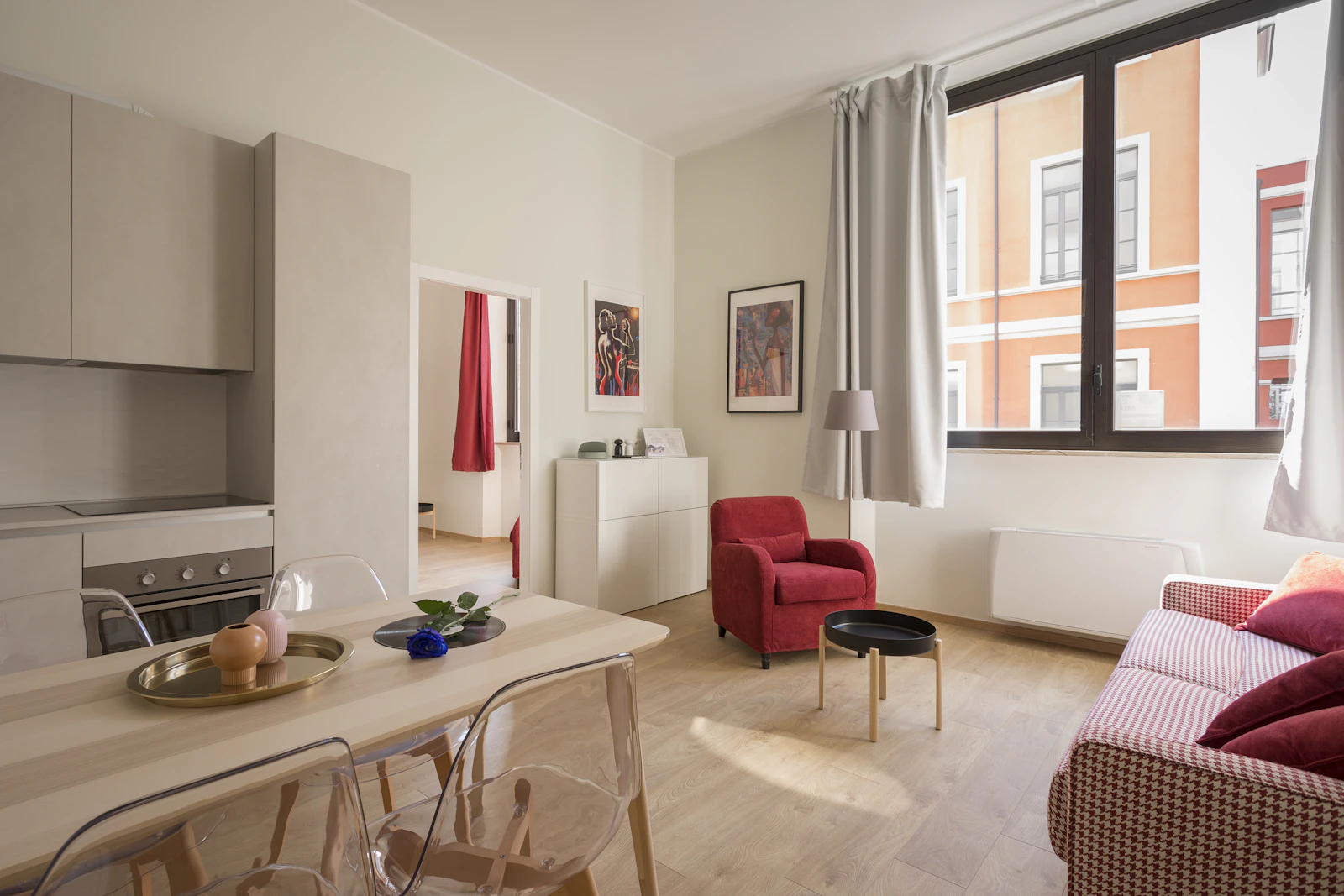
Add photos, rent, deposit and house rules in one form. Turn the listing on when you are ready, and off when the flat is taken.
- Up to 12 photos per home
- Prices shown in dram
- You choose what is public
Sign and run
Your lease, filled in for you
Your terms go straight into the lease. The tenant signs on a private link. Rent, repairs and the move-in report then live on the same page.
- Online signatures with date and time
- Photo move-in and move-out report
- A rent record both sides can see
How it works
Four steps to a signed lease
- 01
List your home
Add photos, rent and rules on one screen. It takes about ten minutes.
- 02
Pick a tenant
Talk to people who write to you and see who fits. You decide.
- 03
Sign the lease
Your terms are already filled in. The tenant signs on a private link.
- 04
Manage the lease
Rent records, repairs and messages stay in one place for the whole lease.
Your fee and your cover
Who pays the fee?
- Owner pays
- 8,750 ֏ / month
- Tenant pays
- 8,750 ֏ / month
The guarantee covers up to
- Damage to the home (10× rent)
- 3,500,000 ֏
- Unpaid rent (3 months)
- 1,050,000 ֏
- Unpaid utilities (3× rent)
- 1,050,000 ֏
Cash deposit the tenant does not pay350,000 ֏
Start nowThe fee is not a deposit. It is not refunded, and the tenant still pays for damage they cause.
“I used to keep contracts in a folder and payments in my head. Now every lease, payment and repair is in one place, and my tenants see the same thing.”
 Gor HovhannisyanOwner of 3 flats · Kentron
Questions
Questions owners ask
How do I list my home?
Create an account, open "Homes you list" and press "Add a home". Fill in photos, rent and rules on one screen, then press "Show in search".
Can I list more than one home?
Yes. Listings are free, and you can add as many homes as you like. You pay only the monthly fee on a protected lease.
How do I choose a tenant?
Talk to the people who write to you, meet them at the viewing, and send the lease to the person you choose. Nobody can sign without your offer.
How should I set the rent?
Each listing shows its rent per m² next to the district average. On the search page, sort by "Best price per m²" to see what similar homes cost. Floor, view and renovation also matter.
Does Trust Layer help with taxes?
We do not file taxes for you. But every rent payment is recorded on your lease page, so you always have a clear history when you declare rental income.
Can I hide my listing for a while?
Yes. Turn the listing off at any time. It disappears from search, and your leases and photos stay safe.
Your flat could have a tenant next week.
Listing is free. No card needed.